
Automated follow-up texts that actually get replies.
VoiceScout sends approved, high-quality texts automatically after key moments like missed calls, estimates, appointments, and completed jobs, so you stay in front of leads and keep more business moving.
- More replies
- Save time
- Win more jobs
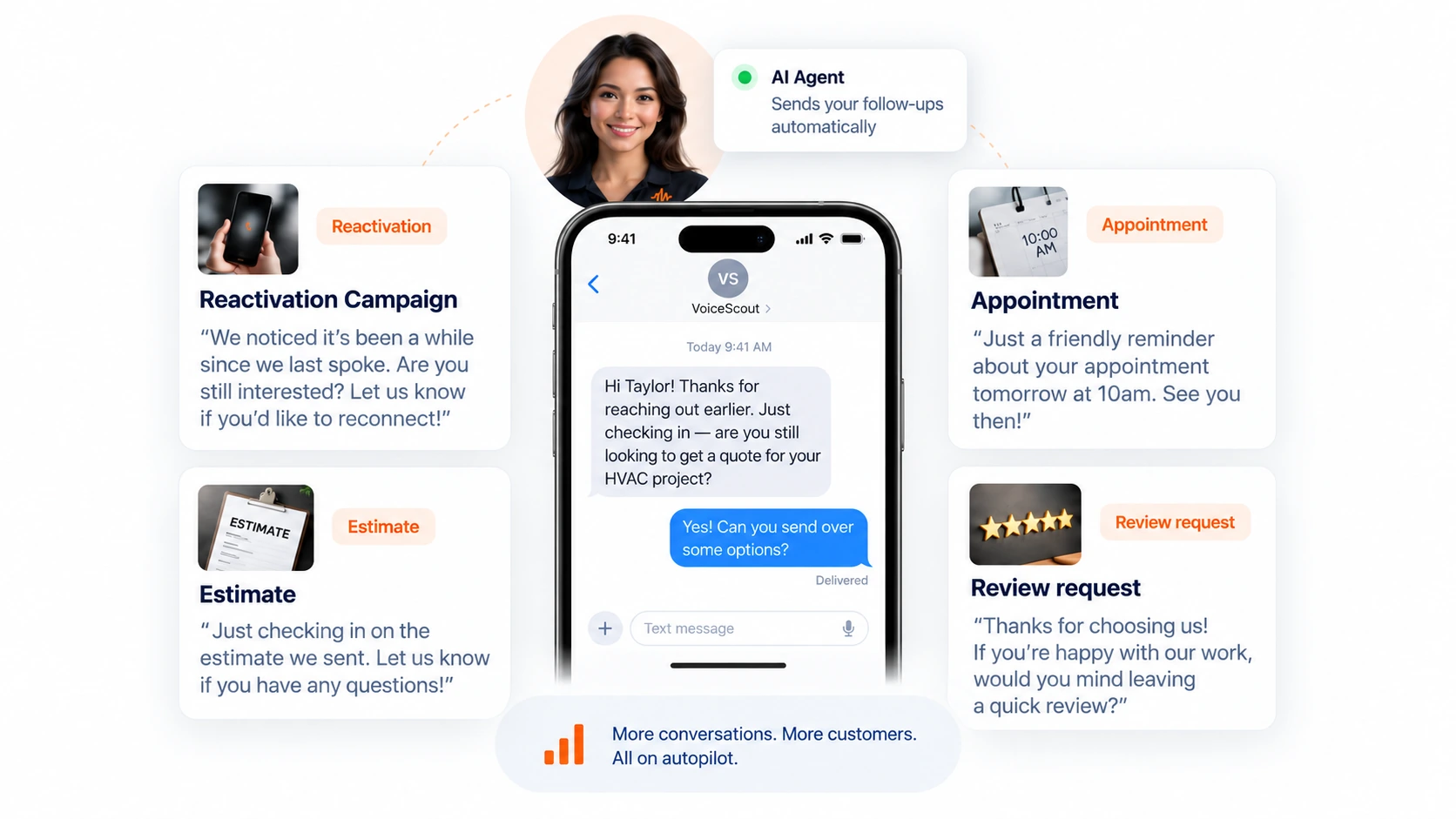
Six texts that keep your business moving.
Each play has a trigger, a wait, a limit on how many times it will try, and the exact words. The result is follow-up that feels natural, does the right thing, and does not slip through the cracks.
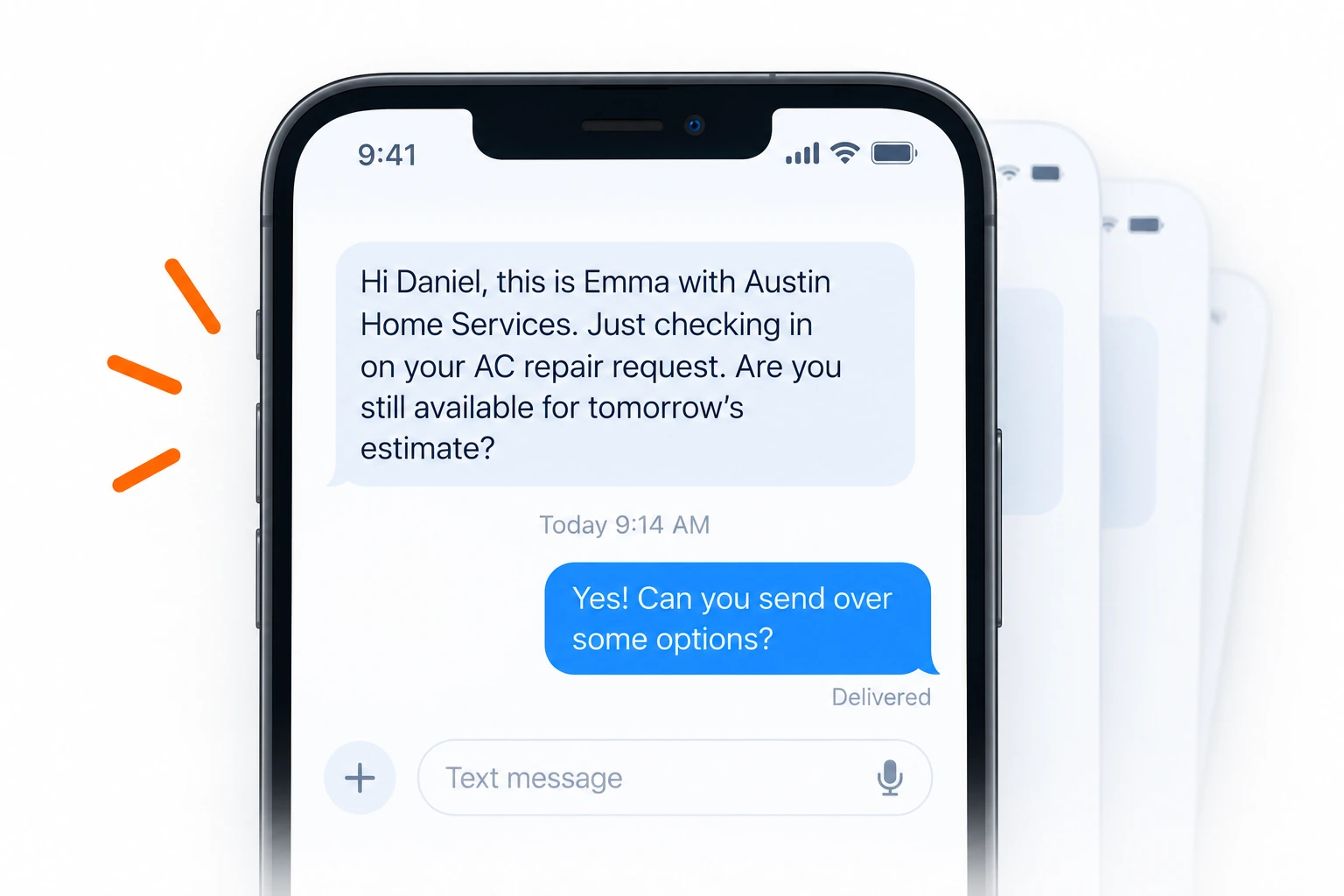
After a missed call
Missed call
Texts after a missed call so no lead goes cold.
Hi Daniel, it's Austin Home Services. Sorry we missed your call just now. Reply here and we'll help, or call us back any time.
LiveAfter an estimate request
Estimate follow-up
Follows up if someone requests an estimate.
Hi Daniel, it's Austin Home Services. You asked us about an AC repair and we haven't managed to reach you. Reply here and we'll get you booked in.
LiveBefore a visit
Appointment reminder
A day-before reminder so more customers show up.
Hi Daniel, it's Austin Home Services. A reminder: we're due with you tomorrow at 10am. Reply here if that no longer works.
Built, not sending yetAfter a completed job
Review request
Thanks the customer and asks for a review.
Hi Daniel, it's Austin Home Services. Thanks for having us out. If we did a good job, would you mind leaving us a review? your review link
Built, not sending yetAfter a postcard scan
Postcard follow-up
Thanks the customer and continues the conversation after a scan or response.
Hi Daniel, it's Austin Home Services. You got in touch about the work after our postcard. Still want us to take a look? Reply here.
LiveWhen a lead goes cold
Win-back
Checks back on inactive leads.
Hi Daniel, it's Austin Home Services. It's been a while since we were out. If you'd like us to look at the AC repair again, just reply here. Reply STOP to opt out.
Manual, via pipeline sendFour parts. The fourth is the one nobody else shows you.
Every play has the same shape, and you can read all four parts of every one before it ever sends.
Trigger
What happens to start the play. A missed call, a new estimate, or a missed appointment.
Audience
Who gets it. New leads, existing customers, or specific service types.
Message
The words, written to sound like your team.
Guardrails
The limits that keep it smart. How many times it sends, when it stops, and who it does not send to.
 Built for real home service teams.
Talk to VoiceScout.
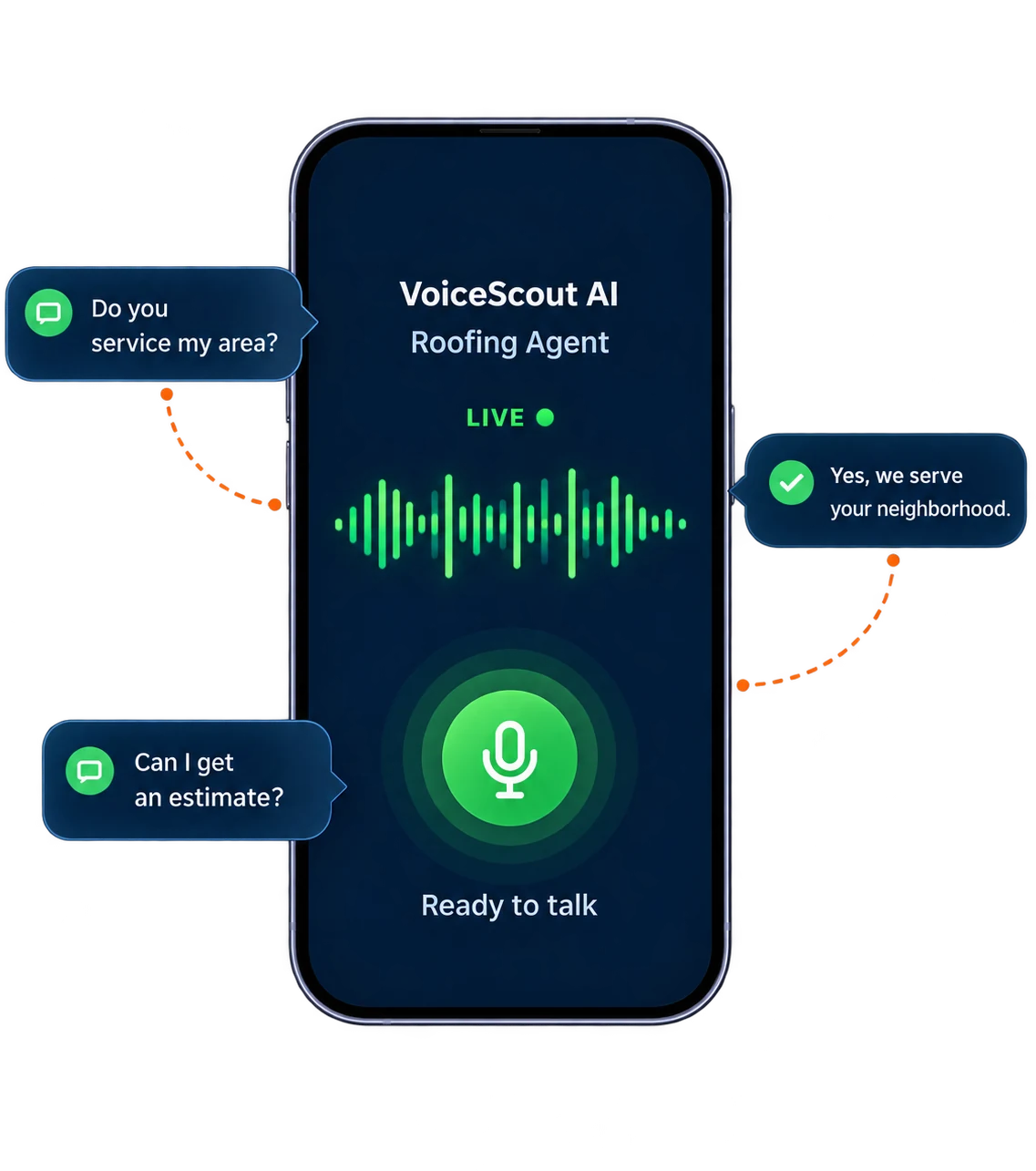
Hear how the AI answers, qualifies, and handles a real homeowner conversation.
Use your microphone. Ask anything. No script.
Six plays, one screen, one switch each.
Every play has its own on/off switch. Turn one off, it stops. Turn them all on, you're covered. You get the control and flexibility you need, without clutter.
Your plays. Your control.

Texts that get replies, not complaints.
Book more jobs without extra work. Playbooks send the right message at the right moment and keep your pipeline moving.
Frequently asked questions
The things people ask before they let anything text in their name.